
Blog
Senior Living Marketing: How Professional Photography Helps Communities Stand Out
October 5, 2026
TL;DR
- Photography matters in senior living marketing because families decide which communities to tour from the photos, and the tour is where they decide to move in.
- A senior living community should photograph the arrival area, residents at a meal, an activity underway, a furnished apartment, amenities in use and staff with residents.
- Stock and AI-generated images can’t show a family the actual community, and visitors who suspect a picture is AI-generated trust the whole site less.
- One shoot planned for every channel a community uses, from the website to directory listings to tour follow-ups, replaces a patchwork of old and phone photos with one consistent library.
Most senior living marketing plans start with the website, listings and brochures. Few start with the photos, even though everything else depends on them. Before a family talks to your team, they’ve already looked through your photos online. If what they find is stock images or low-quality cell phone photos, they move on to the next tab. Good photography won’t fill a community by itself, but without it, the rest of your marketing has little to work with.
What Families Want to See Before They Tour
Families researching communities want to know what it’s actually like there. In focus groups, adults who had faced a nursing home decision said what they wanted was a feel for the place as a whole, and they wanted to see it for themselves rather than take anyone’s word for it. Before the visit, photos are the closest they get.
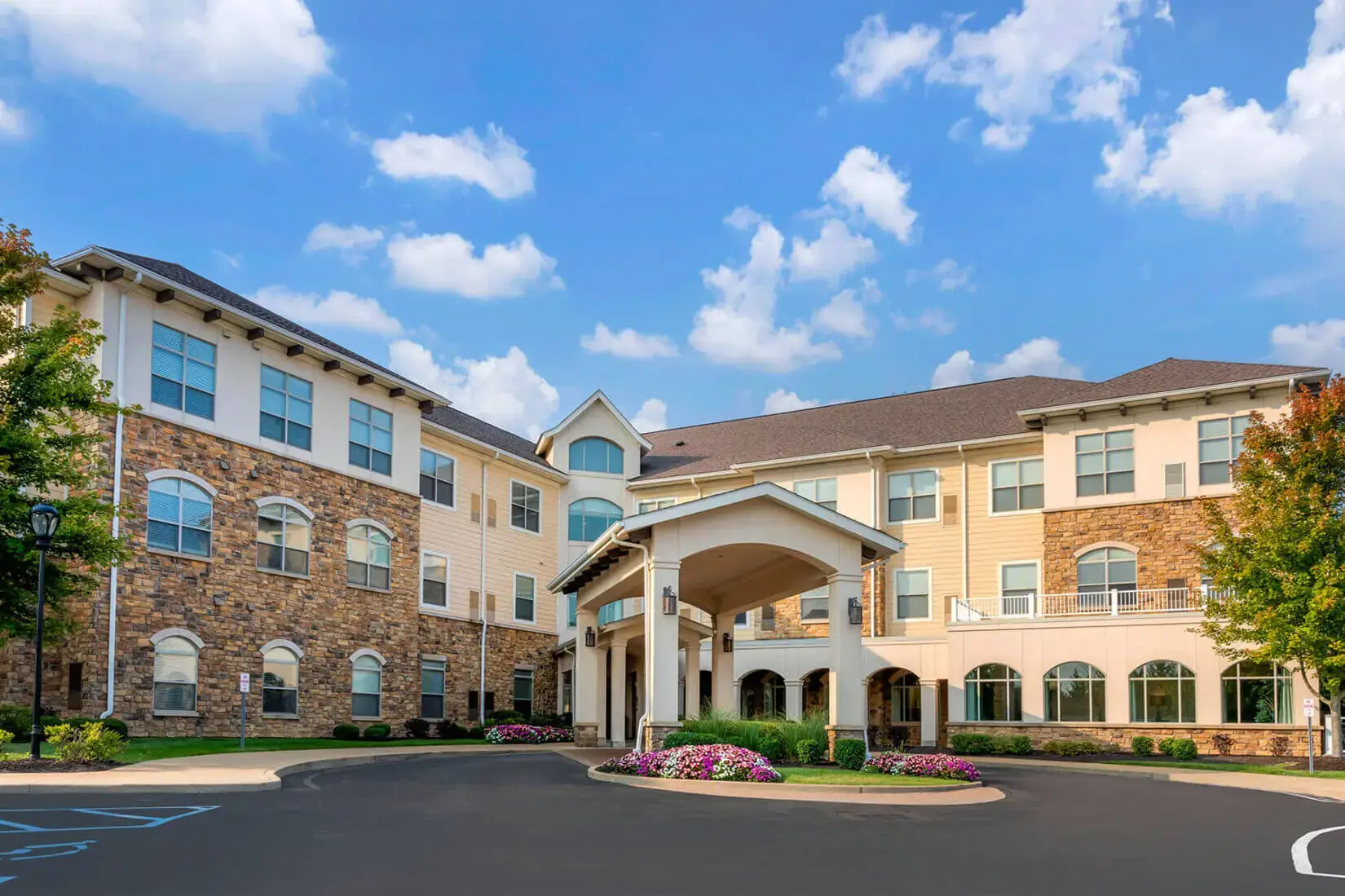
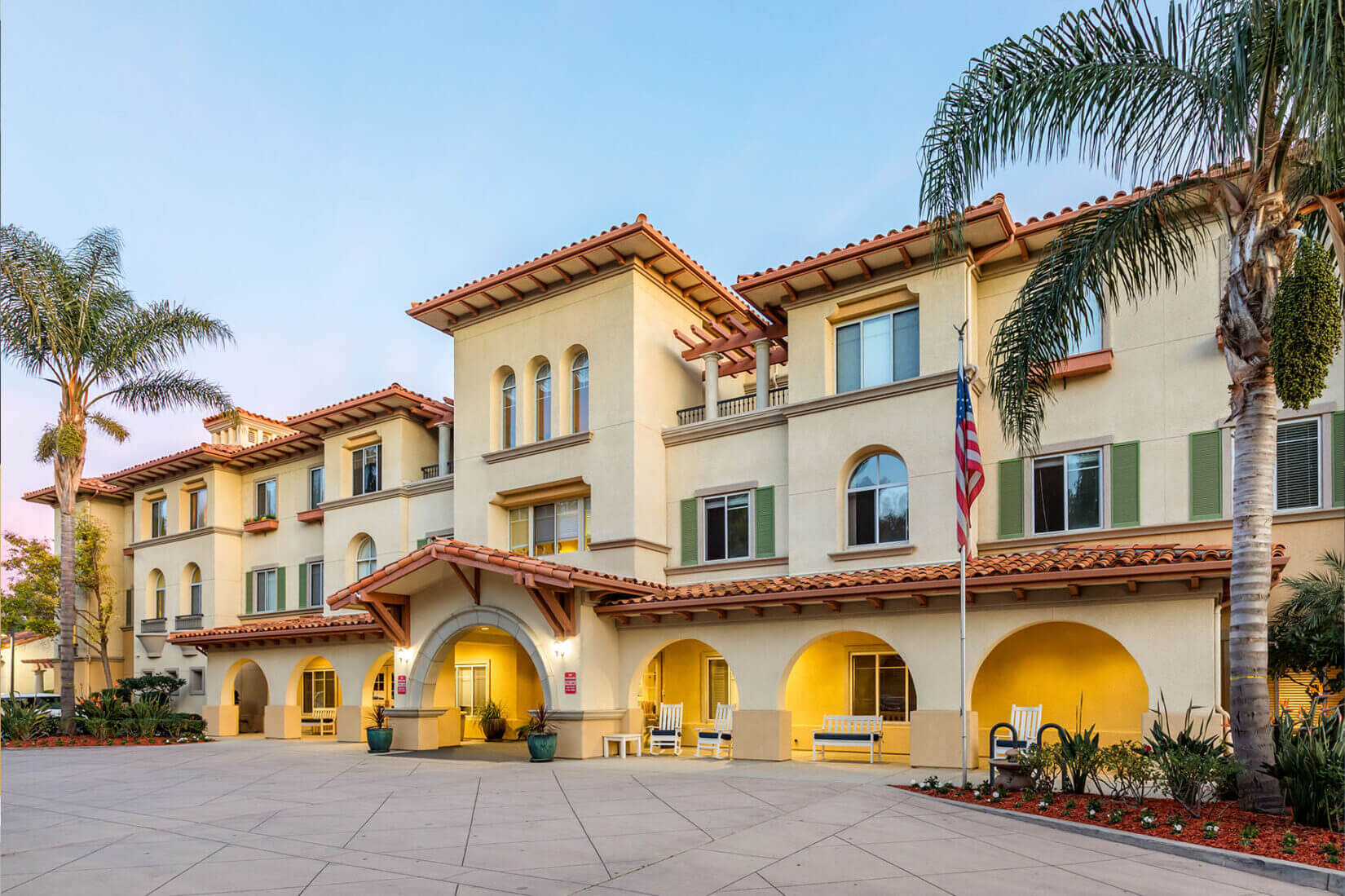
What they’re judging from those photos is what they’d judge on a tour. When older adults and family members were shown photographs of assisted living exteriors, their judgments came down to the entrance, the scale of the building and whether it read as a home or an institution.
A photo can show most of that. It can’t show how the hallway smells or how a nurse answers a question, which is why the visit still decides. The photos decide whether the visit happens.
What to Photograph
That gives you the shot list:
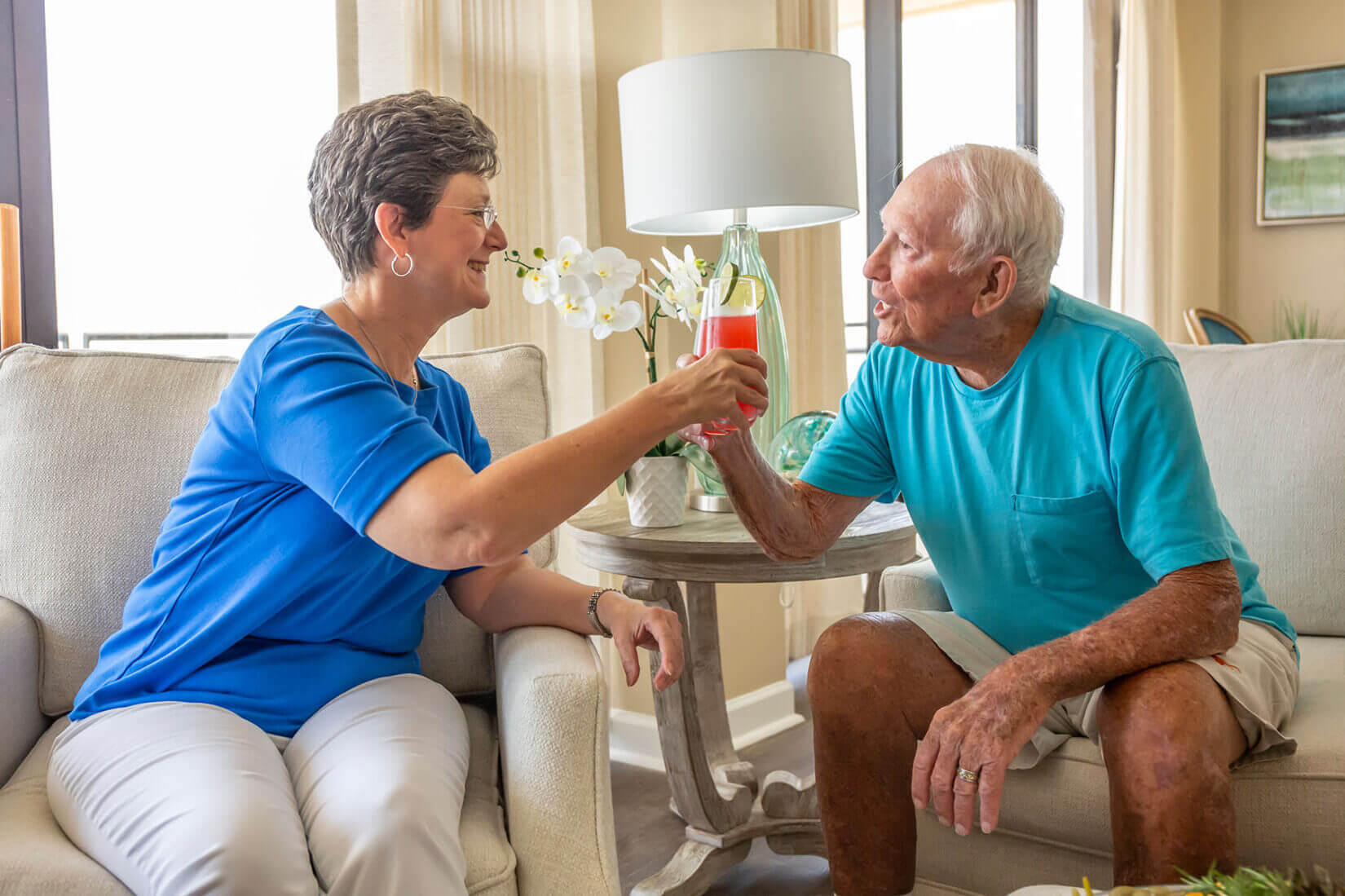
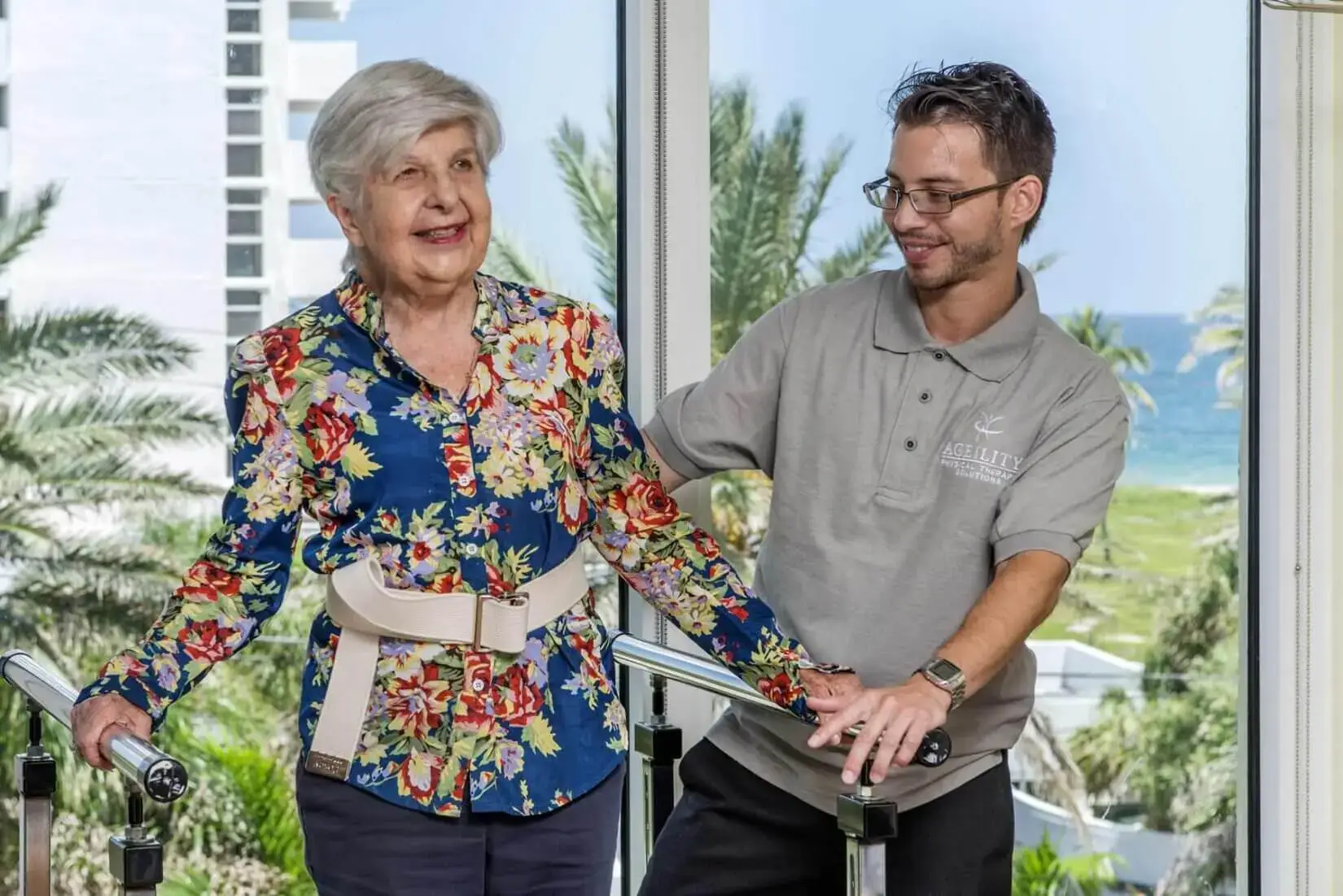
- Staff and residents together
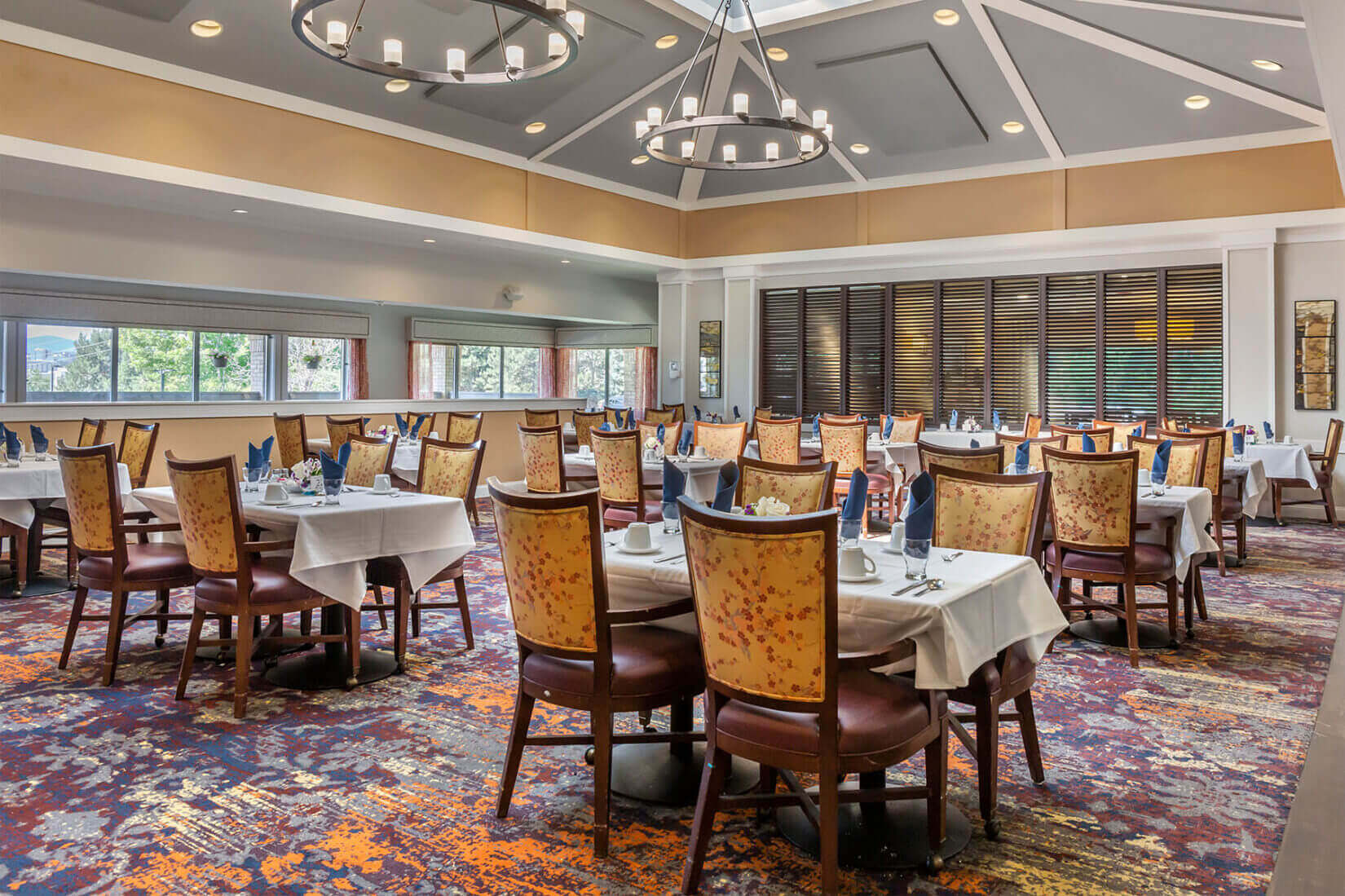
- The dining room during a meal, with residents at the tables
- Chef-prepared plates from the dining program
- A life enrichment class or activity in progress
- The entrance and arrival area the way a visiting family sees it
- A furnished model apartment, kitchen and bathroom
- Lounges, the library, the fitness room and outdoor spaces in use
CS3 builds its senior living photography shoots from that list. Our photographers cover the busiest shared spaces first, so the images show the community on a normal day. Most shoots run two to three hours on site and work around residents’ routines. That’s a light ask for your staff. The senior living portfolio shows what that looks like in practice.
Why Stock Photos and AI Images Fall Short
Stock photos have always been the cheaper option. AI images are even cheaper and can look real. That can sound like a reason to use them, but for a community, it’s the opposite.
A family looking at your website isn’t judging whether the picture is nice. They’re judging whether this is the place. A stock photo of a dining room is a picture of someone else’s dining room. An AI-generated one is a picture of nowhere. Neither answers the question they came with. And there’s a second cost: in a 2026 study, AI images did as well as stock photos when nobody suspected them, but when people did suspect an image was made with AI, they rated the whole site lower, even when other images were real.
One Photo Library for Your Whole Senior Living Marketing Strategy
Once you’re committed to real photos, the question is how to get them into every channel without a separate shoot for each. The website, the Google Business Profile, directory listings, brochures, social posts and sales follow-ups all use the same photo library. Over time, that library can become a mix of professional shots from a few years ago, phone photos from events and whatever corporate sent over. The mix is obvious, and it shows in every channel.
The fix is to plan one professional shoot around that list of channels instead of filling gaps as they appear. When the shot list is written with the website hero, the directory thumbnail and the brochure spread in mind, the dining room gets photographed once for all three, and everyone is working from the same set of images. It’s a better use of the budget, and it keeps the community looking like the same place everywhere a family finds it.
What Each Channel Needs
Each channel asks something different of the library.
Your Website
This is where stock photos do the most damage. A designer who reviewed 30 senior living community websites for an industry publication earlier this year found most of them opened the same way: a wide shot of the building with an empty driveway and no one in sight, or a hero photo under a dark overlay that kept the headline readable and took the life out of the scene. Stock images were everywhere. The handful of sites that stood out led with real residents doing real things. Lead with residents and staff, then follow the tour: arrival and entrance, shared spaces and dining, then the apartments.
Google Business Profile
For a family searching a town name plus “assisted living,” the Business Profile is often the first thing they see, before the website. Google’s own guidance says photos help a business stand out. Google also spells out the minimum it wants to see:
- At least three exterior photos
- At least three interior photos
- At least three team photos
- At least three food and drink photos
- At least one photo of each common area
It also says images should be in focus, well lit and free of heavy filters, so they represent reality. One professional shoot delivers every category in a single batch, so the profile is complete instead of half-filled with whatever was on someone’s phone.
Directory Listings
Referral directories show a photo gallery on each community’s listing, and the first image is the thumbnail families see when they’re comparing communities side by side. Lead with the dining room with residents in it, not the building, then cover the apartments, amenities and resident life so a family scanning listings has a reason to add this community to the tour list.
Virtual Tours and Aerial Views
Since the visit decides, a virtual tour is the closest a family can get to one before anyone is in the car. Photos show the rooms. A custom virtual tour lets a family walk between them, from the entrance to the dining room to an apartment, at their own pace and in the order they’d walk it on site. It also lets a daughter in another state and a son across town take the same tour and compare notes. An aerial shoot adds the one view no tour gives: the whole campus, the grounds and what’s around it, in a single image.
Tour Follow-Ups
Families usually tour other communities too, and operators treat the days after a tour seriously. One follows up at 24, 48 and 72 hours after every tour; at another, the sales counselor texts every family she toured with before she leaves for the day. A counselor with a real photo library can send the family the apartment they stood in, the dining room where they had coffee and the courtyard their mother liked, instead of a brochure and a phone number. That only works if the counselors have the library on hand, organized by space, so the right photo is a search away instead of a request to corporate. The photos put the family back in the building while the decision is being made.
Keeping Photos Consistent Across Multiple Communities
If you run more than one community, you have another problem: keeping the photos consistent from one market to the next. If one community gets a professional shoot, another gets phone photos, a third uses stock, the corporate website ends up looking like three different brands.
The way around it is to run every community’s shoot from the same plan:
- One shared shot list built from your brand’s photography guidelines
- Simultaneous shoots in different markets when the calendar calls for it
- One scheduler as your point of contact for every community
- Delivery organized by community, so each sales office gets its own set
Our local photographers cover all 50 states, so the photographer at your community is based in your market. There are no travel fees, and the price is the same whether the shoot is in Los Angeles or Montgomery, Alabama.
When a Community Should Reshoot
Photos go out of date faster than most marketing plans expect. Schedule a new shoot when:
- Common areas, dining rooms or model apartments have been renovated
- The community has been rebranded or acquired, and the signage and name have changed
- A new dining program, amenity or level of care has been added
- The furniture and finishes in the photos no longer match what’s on site
- The website still shows stock photos anywhere a real photo could go
The photos also have to match what the family finds when they arrive. If the spaces look different on the tour than they did online, that mismatch can cost you the move-in.
Request a Senior Living Photography Quote
If next quarter’s senior living marketing depends on photos you don’t have yet, request a senior living photography quote. Let us know where your communities are and what you want families to see. We’ll send back a quote, a shot list and a local photographer’s availability.